

 Nov 6, 2026
 9 min read
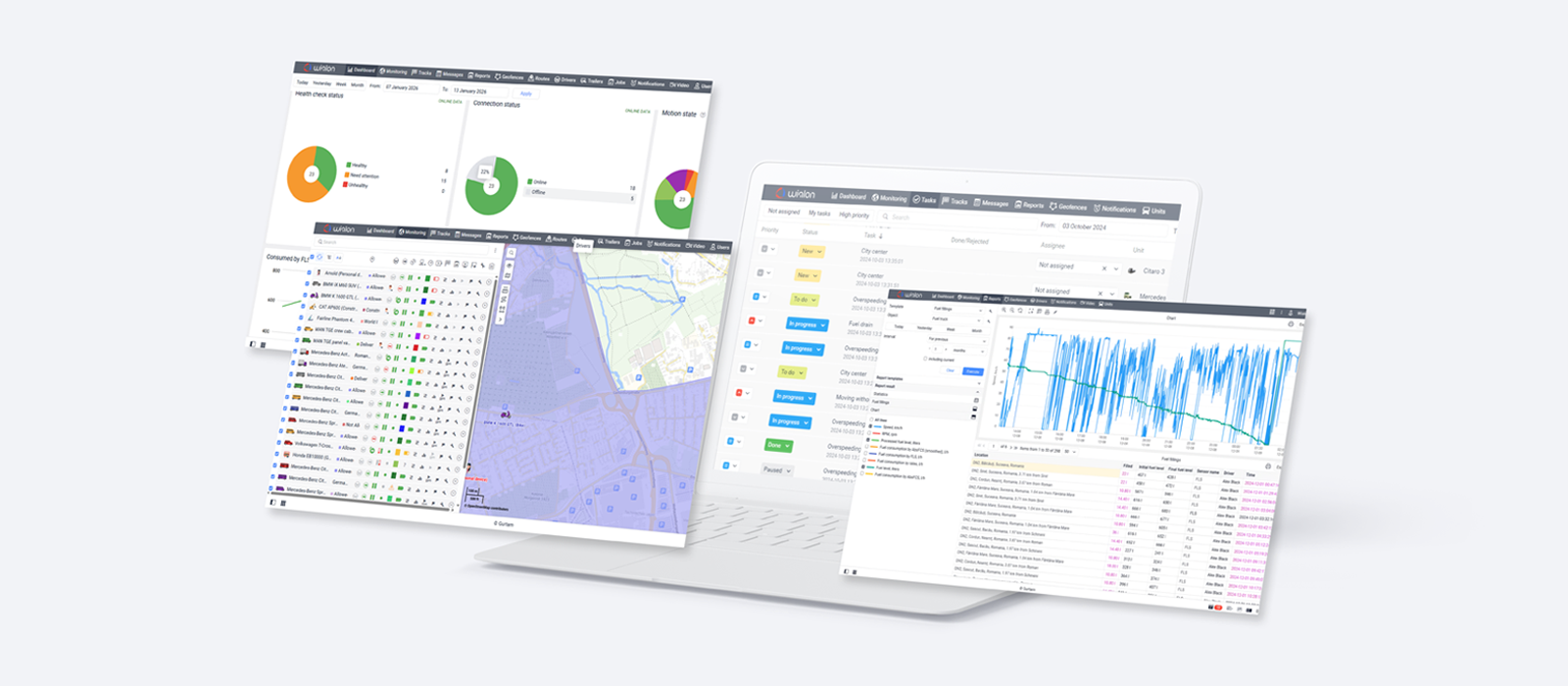
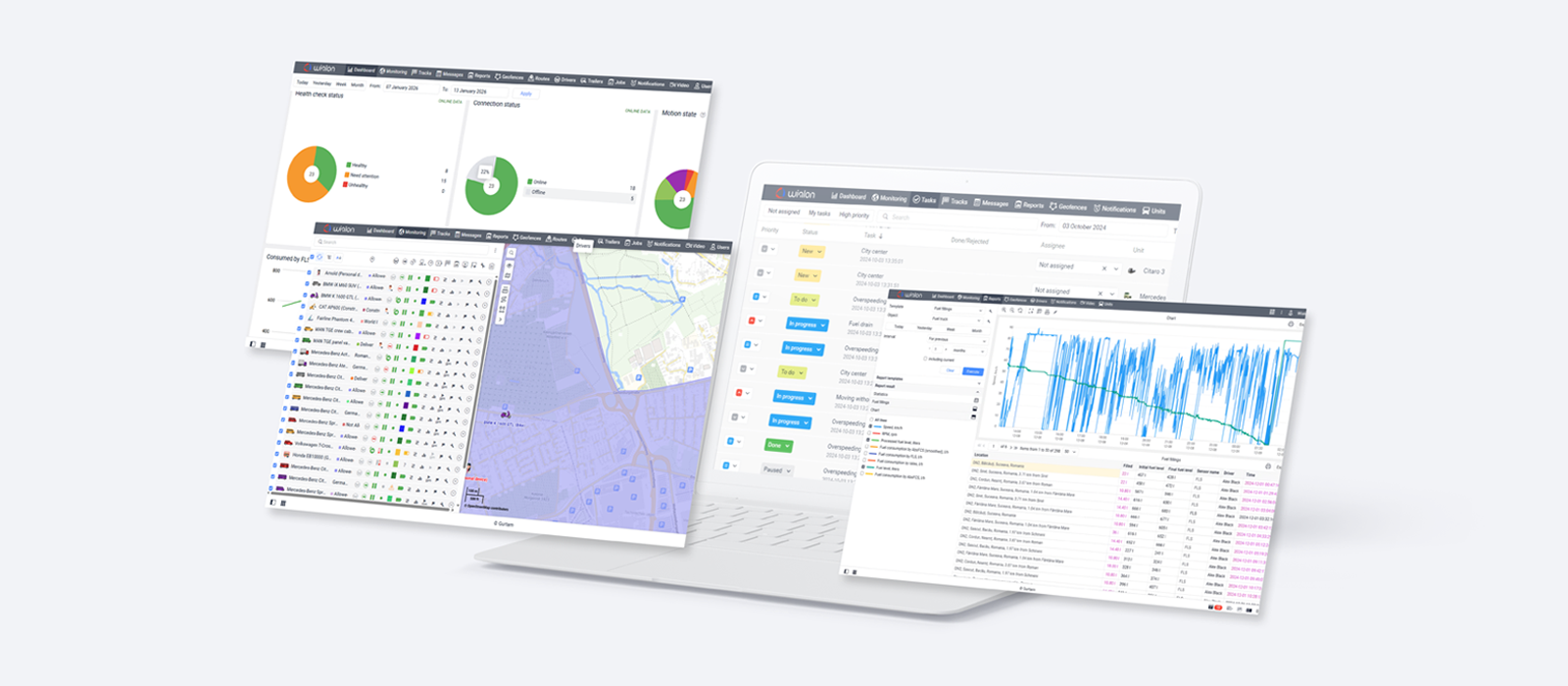
More control over video costs, more flexibility in reports, and built-in eco-driving alerts: there’s a lot to put to work in Wialon Hosting’s Q3 2026 updates. Partners can draw on detailed unit counts and video traffic records for billing and cost analysis, while fleet teams can tailor report summaries and set up alerts around their eco-driving criteria. Other updates keep mileage readings consistent across tools, make busy maps easier to read, and simplify everyday tasks in the mobile app.
Simpler billing with the new Unit dynamics functionality
When billing is based on the number of connected units — vehicles, machinery, or other tracked assets — different providers may calculate charges differently: using the count at the start of the month, at the end, or an average over the period.
Until Q3 2026, CMS Manager showed only the current count on the dashboard, with no history behind it. That made it harder to support different billing approaches, because partners had no single place to see how the number changed over time and sometimes had to piece that history together from screenshots, manual logs, or custom spreadsheets.
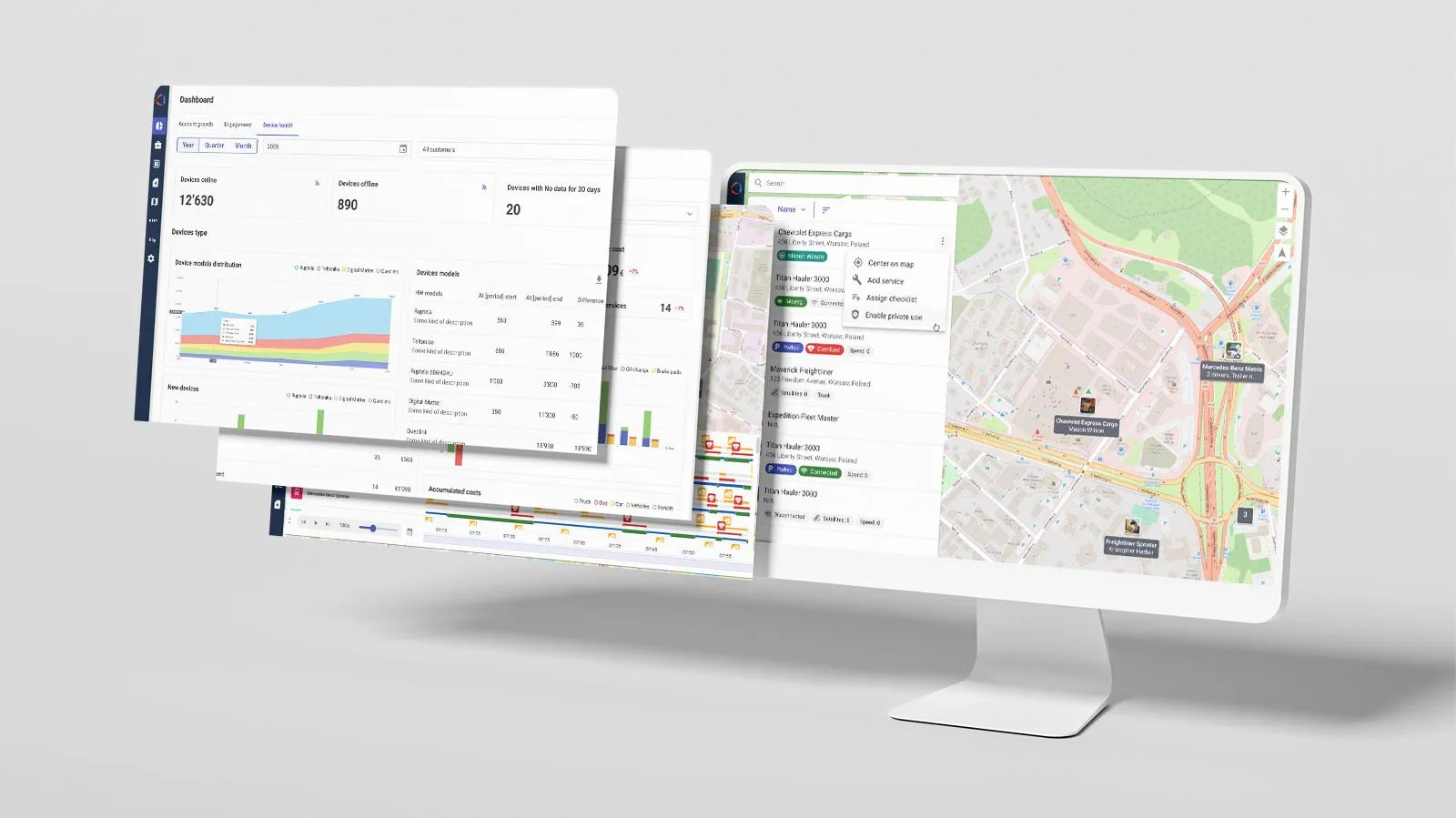
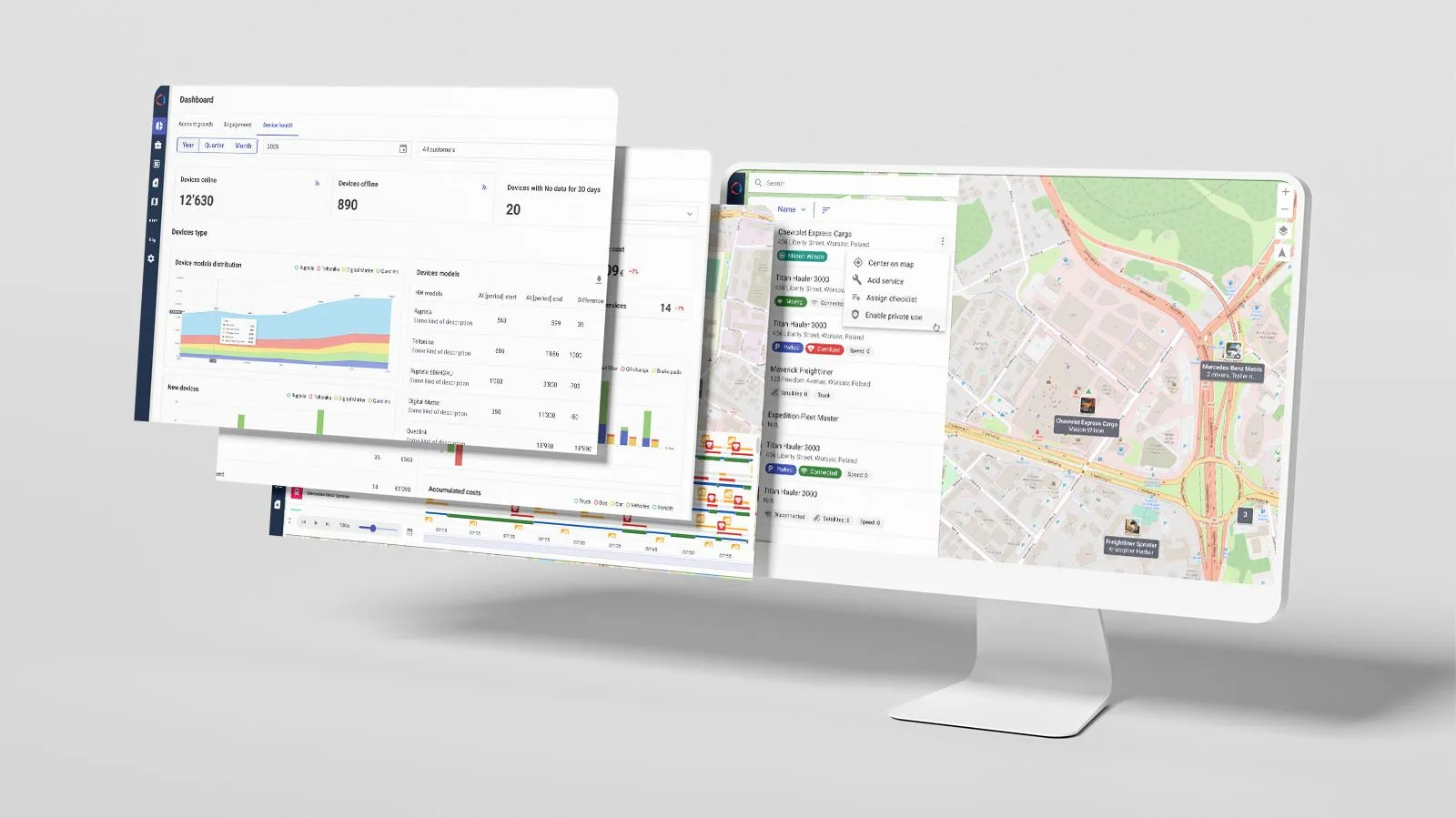
The new Unit dynamics functionality in the Accounts section brings that information together in one place. For any selected period, it shows the initial, final, minimum, maximum, and average number of active units, along with the number of units created, deleted, activated, and deactivated in the system. The data covers the full account and subaccount hierarchy, with day-by-day details for each account.
Track changes in unit counts across accounts and subaccounts for any selected period.
The data can be exported to XLSX or accessed through the API. This gives Wialon partners one place to get the unit counts behind their billing and makes it easier to explain charges when customers have questions. The same data can also feed existing billing, reporting, and analytics workflows.
More control over video costs and management
Video traffic can add noticeably to project costs. The Q3 updates give partners more visibility into that spending and more control over unnecessary data usage.
A new Video traffic report in CMS Manager shows traffic consumption and video package purchases across accounts and vehicles. The data can be exported to CSV for billing, cost analysis, and customer reporting.
Track video traffic consumption and package purchases across accounts and vehicles.
We’ve also added a safeguard against unnecessary traffic from unattended video streams. After five minutes of playback, Wialon asks whether the live stream should continue. If there’s no response within 60 seconds, it stops automatically.
Working with saved footage is now easier, too. Video files can be renamed when they are saved or later in the archive, making it quicker to identify the right recording without opening each file.
Eco-driving alerts tailored to fleet needs
Wialon now includes a built-in Eco-driving condition for notifications. Fleet teams can use their configured Eco-driving criteria to trigger alerts, without setting up separate sensor- or message-value conditions.
The new condition can also be combined with other notification criteria for more targeted scenarios. For example, harsh driving can trigger an alert only when it happens inside a selected geofence. This helps fleets focus on the behavior that matters in a specific operational context instead of receiving alerts for every event across every route.
__CTA_BANNER_001__
Reports get faster and more flexible
In Q3 2026, we optimized several resource-intensive report calculations, so reports are ready sooner. In our tests, reports with fuel fillings and fuel drains were generated almost twice as fast. The Duration column and average fuel consumption values are calculated about twice as fast, too.
We’ve also made configurable Total and Grouping rows available in more report tables, including Engine hours, Parkings, Stops, Speedings, Fuel drains, Events, and Units. Users can now choose how each column should be summarized — for example, whether Wialon should show the sum, average, minimum, or maximum value.
Customize how each report column is summarized in the Total and Grouping rows.
There’s more flexibility for custom columns as well. When a custom column contains a user-defined formula, Wialon can now calculate the result for the grouped row using that formula instead of leaving the value blank. This gives users a more complete report directly in Wialon, with less need for additional calculations after export.
Reports for unit groups now provide a clearer way to compare sensor data. In the Sensor tracing table, users can choose which sensors to include and compare their values across all units without opening the details for each unit individually. This makes sensor data easier to review and keeps reports more compact.
Mileage counters aligned with sensor readings
Until now, when a mileage sensor was used as the source for the mileage counter, Wialon calculated the value by adding up changes between consecutive messages. Over time, the mileage counter could fall out of sync with the CAN odometer reading.
Wialon can now copy the mileage value directly from the configured mileage sensor. This helps keep the mileage counter, sensor reading, and dashboard aligned while giving other Wialon tools and integrations that rely on the counter the same consistent value.
We’ve also increased mileage limits to approximately 4.29 million km and engine hour limits to approximately 1.19 million hours. The same limits now apply across service intervals, unit properties, event registration, tasks, notification actions, and jobs, so unusually high-mileage vehicles can now be handled consistently in related processes.
Setup for new vehicles is simpler, too. Mileage, Engine hours, and GPRS counters now start calculating automatically instead of requiring users to enable them manually. This applies to vehicles created in Wialon Hosting and CMS Manager, as well as through a Wialon property file (WLP) and bulk CSV/XLSX imports. Existing vehicles and those created through the API are not affected.
Clearer maps for everyday monitoring
Unit labels are now much clearer at a glance. Labels of stationary vehicles are dimmed, helping users spot moving vehicles.
Users can keep the color coding they rely on for monitoring: custom colors can be applied to either the label text or background, and the display mode can be switched directly on the map for all labels at once.
We also moved the “Display overlapping units in one icon” setting directly to the map, making it easier to manage crowded views without leaving the workspace.
And the map itself got an upgrade. Vector maps have replaced raster maps for everyone using Gurtam Maps, including both new and existing users. Vector maps consume less data, require fewer requests to mapping servers, and stay sharp when zoomed or viewed on high-density displays. The result is smoother map rendering without any extra setup.
Image link support in messages and reports
Wialon now supports the image_uri and photo_uri parameters, which are used by compatible devices to send images as external links. Images sent this way appear in Messages and Reports and can be shown in Monitoring as the latest image received from the vehicle.
Wialon mobile app: Smoother everyday workflows
The Wialon mobile app continues to receive strong user feedback. As of Q3 2026, it held a 4.8 rating on both the App Store and Google Play, based on more than 77,000 ratings worldwide across the two stores.
Worldwide Wialon app ratings, Q3 2026
The latest app updates focus on daily tasks: spotting notifications that need attention, managing geofences, and checking whether data is still being recalculated.
-
Notifications are easier to scan: users can now assign colors to notifications, unread alerts are marked with a blue dot, and notifications can be marked as read individually or in bulk.
Assign colors to notifications for quicker visual scanning.
-
Geofences take fewer steps to manage: users can show or hide individual geofences — or all of them at once — directly from the list. Geofence names are now optional, with a default name created automatically when none is entered.
-
Data recalculation is clearer: the Info and History screens now show the recalculation status while data is being processed, instead of appearing empty or unresponsive.
Other Wialon Hosting updates
Q3 also brought plenty of smaller improvements across Wialon Hosting, all aimed at making everyday work a little smoother.
Some save time on routine actions. In Messages → Chart, for example, parameters are now sorted alphabetically and can be filtered by name, so finding the right one takes less scrolling.
Others make familiar parts of the interface feel more consistent. The lists on the Drivers, Trailers, Passengers, and Jobs tabs now follow the same modern design and interaction patterns already used in Notifications and Geofences. The Geofences tab has also received minor updates for working with groups of geofences.
You can explore these and other Q3 updates in the Wialon help center — and see previews of upcoming features.
In June 2026, we launched the Wialon app for ChatGPT, giving fleet managers, owners, and dispatchers a way to explore their Wialon Hosting data in a familiar chat. Once they connect their account, they can ask about vehicle status and locations, trips, fuel activity, and alerts. Access is read-only: they can investigate what’s happening across the fleet, but cannot change settings or send device commands through ChatGPT.
See how AI works across Wialon
Read the article ➜
That’s a wrap
From the figures behind customer invoices to the alerts fleet teams receive, Q3 2026 brought practical updates across Wialon Hosting. Partners have more detail to work with in billing and cost analysis, while fleet teams have more flexibility in reporting and everyday fleet management.

.png)

.jpg)
.png)
.png)
.png)