Oct 9, 2026
 7 min read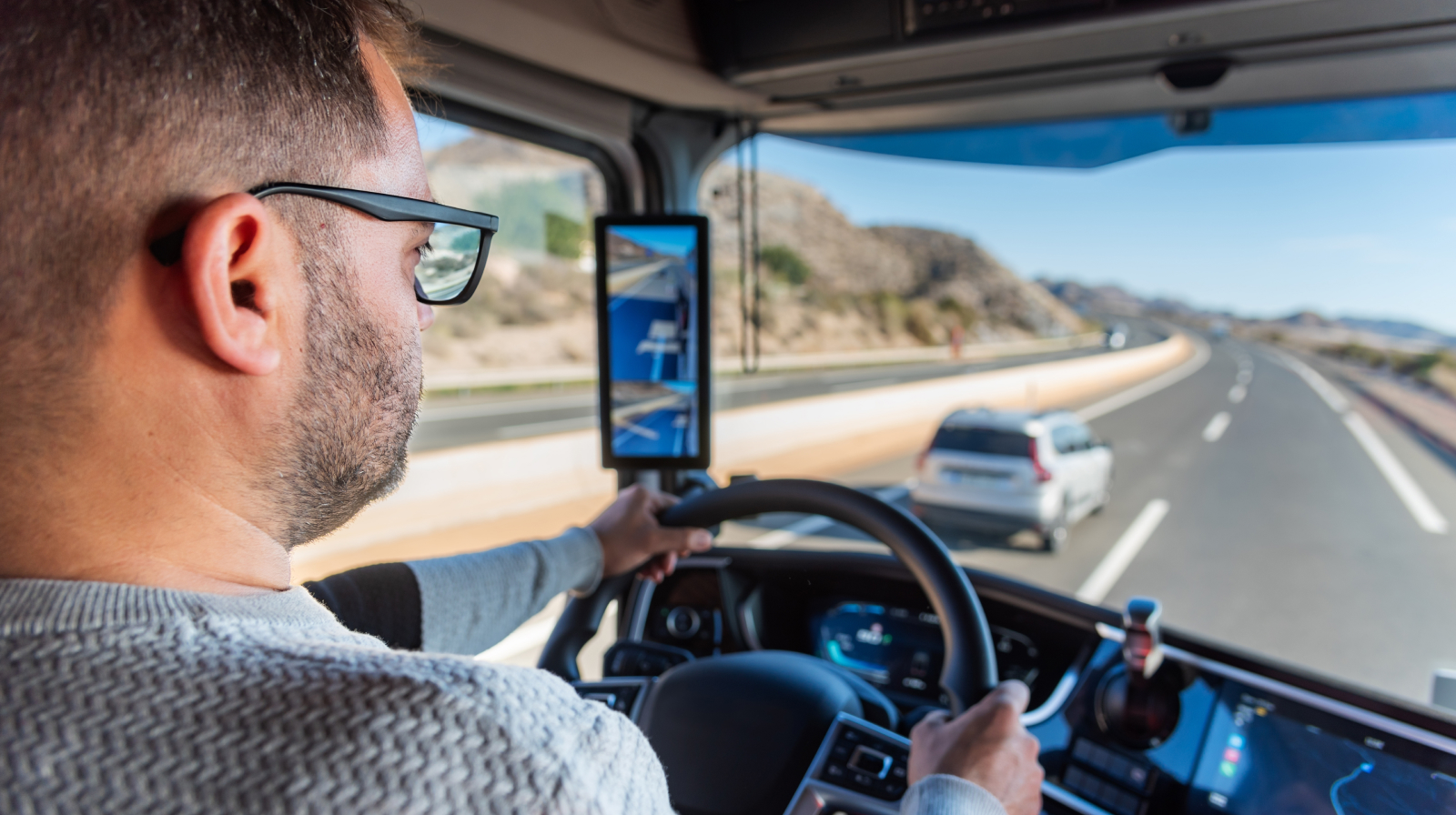
A driver has already spent 8 hours at the wheel today. There is one more pickup to make, but does it fit into the time they have left? For fleets covered by EU driving and rest-time rules, the usual daily driving limit is 9 hours, extendable to 10 hours twice a week. Whether that extra trip is possible depends on the driver’s recorded hours and available extensions.
The next break matters too: under the general EU rules, a driver must take a break totaling at least 45 minutes after no more than 4.5 hours of driving. Even if the pickup fits within the day’s remaining hours, the trip may still require a stop along the way, which the dispatcher has to factor into the assignment.
Keeping track of these limits takes more than a vehicle’s location on the map. Fleets need current driver hours to plan assignments and tachograph records to review the work afterward. Wialon brings these tasks together through Wialon Platform, with live driver information, remote file collection and infringement analysis available alongside vehicle tracking.
Where tachograph control fits in Wialon Platform
Wialon Platform is a powerful solution builder for fleet digitalization, supporting everything from vehicle tracking and maintenance to more specialized tasks such as tachograph control, emissions reporting and indoor asset tracking.
__CTA_BANNER_001INDOOREN__
As a solution provider, you choose the capabilities, configure the interface and access rights, and offer the solution under your own brand. For a transport company, that could be a service combining tachograph control with maintenance, inspection forms and reports, configured around the way the fleet operates.
Fleet managers and dispatchers access the service in FleetSpace, the platform’s workspace for fleet teams, while drivers use the Wialon Driver app to check their own driving and rest-time information on the road. Each has the information relevant to their role, whether they’re planning the next assignment or deciding when to stop.
What fleet teams can do with tachograph control in Wialon Platform
Check driver hours before assigning the next trip
The nearest truck is not always the one that can take the job: its driver may be due for a break or have little driving time left for the day. Knowing this before assigning the trip gives the dispatcher time to choose another driver, adjust the pickup or plan a stop.
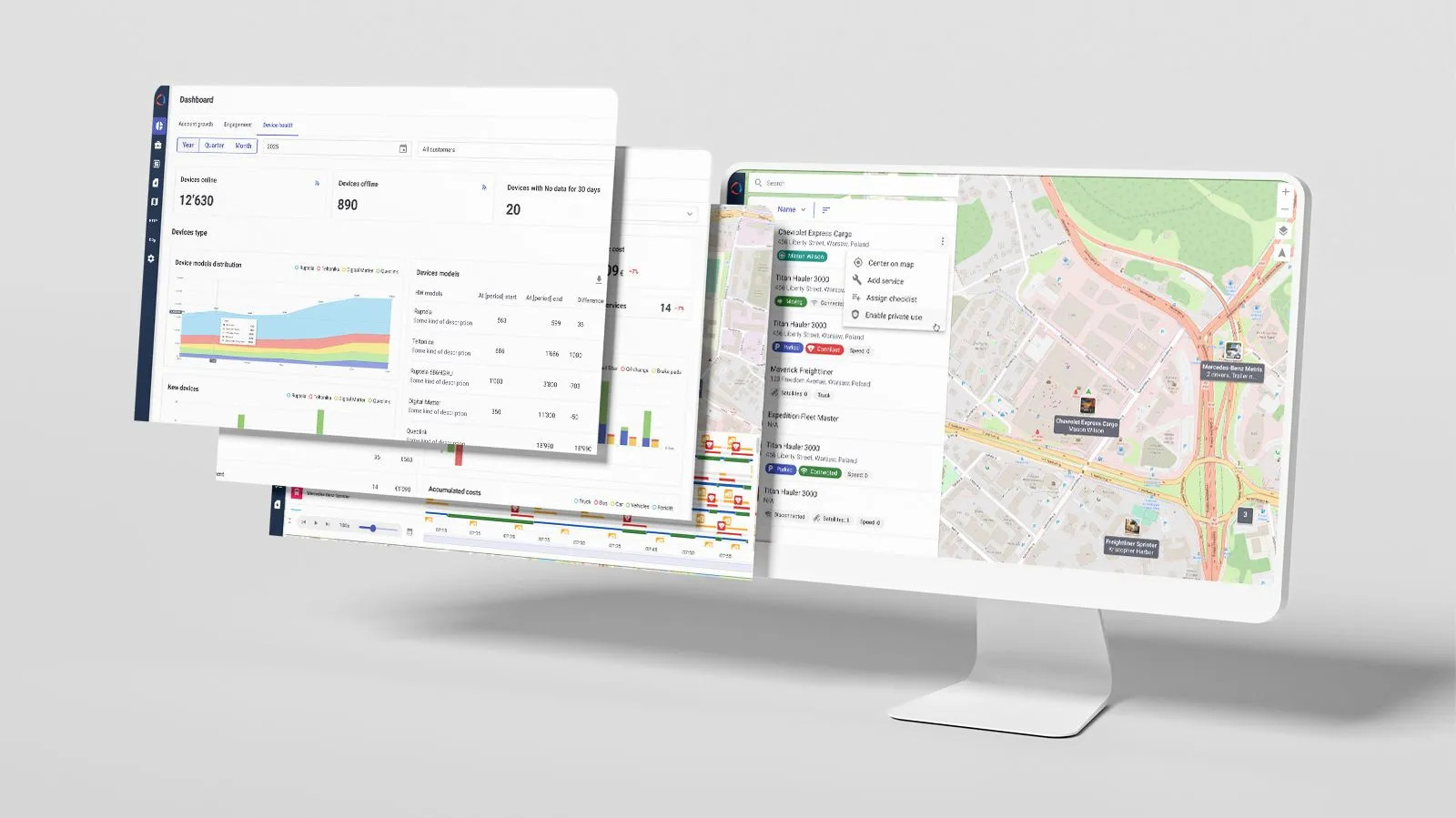
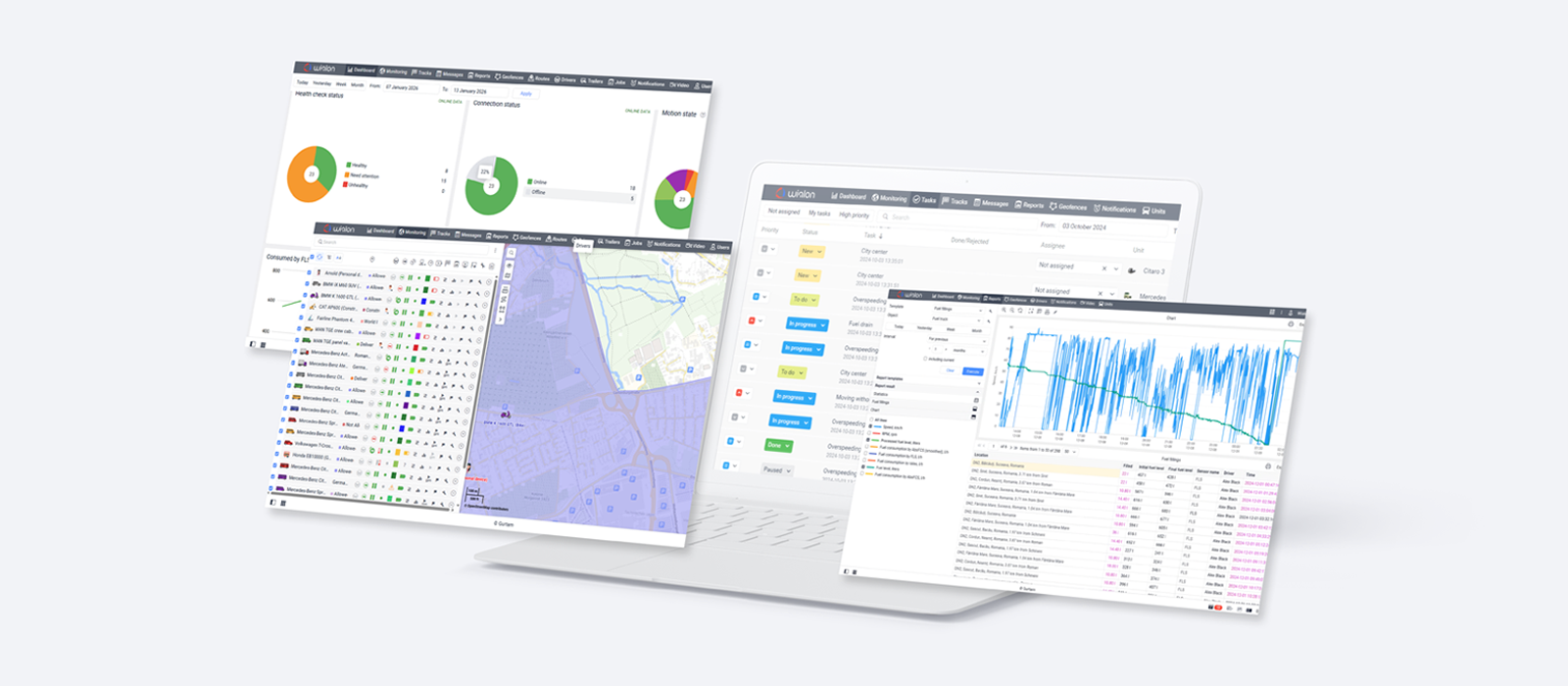
The live fleet view brings together current driver activity, remaining driving time and upcoming breaks and rests across the fleet, highlighting drivers approaching or exceeding a limit. Dispatchers can see who requires attention and adjust the plan before a driver runs out of permitted hours.
Drivers can follow their own hours on the road in the Wialon Driver app. The app shows their current activity, remaining driving time and when the next rest must begin, helping them plan a stop before they reach a limit. Push notifications warn them as driving limits approach, while dispatchers use the fleet view to adjust upcoming assignments.
Collect files without waiting for a depot visit
A truck may spend weeks away from base, but its tachograph files still have to be collected on time. EU rules set maximum download intervals of 28 days for driver-card data and 90 days for vehicle-unit data; fleets should also check applicable national requirements. With a supported remote-download setup, the team can request those files while the vehicle is away.
Fleet teams can request files on demand or schedule automatic downloads, with upcoming and overdue downloads visible in the same workspace. This helps the team keep collection on track and have records ready for a review or inspection. The files are stored in the platform and can also be downloaded for the fleet’s own archive.
For shared vehicles, card detection can assign drivers to vehicles automatically once driver identification is configured. Profiles can also be created from card data or downloaded files, helping the team keep records associated with the right people as they move between vehicles.
Review recorded activity, day by day
An infringement report flags a problem, but understanding it takes a closer look at the day: whether the driver took a break, how long it lasted and what happened around it.
Daily activity timelines show driving, other work, availability and rest based on downloaded driver-card files. Fleet teams can browse the selected period day by day, examine individual activity periods and check daily totals for each activity and distance covered.
Wialon Platform analyzes recorded activity against EU Regulation 561/2006, which sets limits on driving time and requirements for breaks and rest periods. The daily view explains detected infringements alongside the activity that led to them. For a review across drivers, the infringement report shows the rule involved, severity and duration; fleet teams can filter it by driver or infringement type and export the results as CSV.
Events recorded in the files add further context, including border crossings, cargo loading and unloading, ferry or train crossings, and vehicle changes. Fleet teams can examine these events within the daily view or use the Driver activity events report to find particular occurrences across several drivers over a selected period.
With the day’s activity in front of them, the manager can discuss the sequence of events with the driver and consider what to change in future assignments, rather than working from an infringement label alone.
A solution for fleets whose schedules depend on driver hours
For a long-haul freight fleet, remote collection keeps files accessible even when trucks rarely return to base; for passenger transport, a driver’s remaining hours help determine whether they can take another journey. Cross-border operators can organize downloaded records for review, including activity from trips outside the home country.
Light commercial fleets are another segment to consider. Since 1 July 2026, EU driving and rest-time rules and tachograph requirements have also applied to vehicles used for international goods transport or cabotage for hire or reward. The change covers vehicles with a maximum permissible mass of more than 2.5 tonnes and up to 3.5 tonnes, including any trailer or semi-trailer, subject to exemptions. For service providers, this extends the potential customer base to qualifying van fleets that now have to manage driver hours and tachograph records.
A customer may already use Wialon for vehicle tracking, fuel management or driver scoring, yet still collect tachograph files manually or use a separate tool to check driver hours. Ask how that works in practice: do downloads depend on depot visits? Does the dispatcher have to check each driver separately? Those answers help you show where tachograph control would make a difference to the solution they buy from you.
With Wialon Platform, you can offer file collection and analysis to a fleet that already has vehicle tracking, or include tachograph control in a broader package with maintenance reminders and pre-trip inspection forms. You decide what fits the customer’s transport operation, set the package and price, and keep the customer relationship.
See how tachograph control works in practice
Want to see the tools in action? In our tachograph-control webinar, we demonstrate how to set up file downloads, check driver hours and review infringements in Wialon Platform. The recording shows both the setup a solution provider needs to handle and the tools a fleet team will use day to day.
Ready to try tachograph control with Wialon?
Explore Wialon tachograph control for an overview of the tools and supported hardware, then bring us a customer project you’d like to discuss.
- Already a Wialon partner? Write to partners@wialon.com to discuss your customer project.
- New to Wialon? Contact our team at sales@wialon.com to learn more, request a demo, or get trial access.
Tachograph control with Wialon Platform: FAQ
The webinar questions went beyond the feature overview: how are automatic downloads scheduled, what happens when drivers share vehicles, and how does a replacement card affect the driver’s records? Below, we answer these questions and explain a few details worth knowing before your first project.
How can fleet teams review driving and rest periods?
The driver activity timeline lets fleet teams look through a recorded day and see how driving, other work, availability and rest fit together. They can examine individual periods and read explanations of detected infringements, giving them something specific to discuss with the driver.
What can drivers see in the Wialon Driver app?
Drivers can see their current activity, remaining driving time and upcoming rests, so they can plan the next stop with the same live information available to the office.
The app receives this information from compatible hardware when tachograph control is enabled and the driver’s card is linked to their profile. It shows the latest received data, so updates depend on the vehicle’s connection.
How does live tachograph data differ from DDD files?
Live data comes from tachograph telemetry and shows the driver’s situation during a shift, helping the team decide whether to assign another trip or plan a break. DDD files contain recorded activity for reviewing what happened afterward.
Can a fleet use its existing devices for tachograph control?
Yes, if the fleet already has a supported model installed. Tachograph control works with a growing selection of hardware from Teltonika, Queclink, Ruptela, Xirgo (including former BCE models), Squarell and Assistant Telematics, giving service providers options for different fleet setups.
You’ll find compatible models in the current list of supported devices.
How are automatic file requests scheduled?
The service provider sets the download interval and selects the files to request in the device settings. Automatic requests run when the device is available and Tacho Bridge, the application handling company-card authentication, is running.
The interval applies to all selected file types on the device. Files can also be requested manually whenever needed. For projects requiring different schedules or another specific arrangement, our team can help work through the requirements and setup.
How long are tachograph files stored, and can they be downloaded?
Tachograph files are stored for up to 1 year within a shared 2 GB allowance per device, which also holds images and video. If that space fills up sooner, older files are removed as new ones arrive.
DDD files are typically small — around 60 KB for a driver-card file and 250 KB for a vehicle-unit file — so photos and video can account for a much larger share of the available storage. How much tachograph history remains available depends on the download frequency and the other media stored.
Fleet teams can also download the original files to keep them in their own archive.
What is needed for remote tachograph downloads?
Remote downloads require a supported device with tachograph functionality, company cards connected through a card reader, and Tacho Bridge running on a computer. The devices must also be linked to the relevant company in Wialon Platform.
The setup guide walks through these connections and the module configuration, ready for manual or automatic file requests.
How are drivers identified in shared vehicles?
With driver identification configured, inserting a card links the driver to the vehicle through the card code; removing it ends the assignment.
If the code belongs to a driver who is not yet in the system, a profile can be created automatically. Profiles can also be created from uploaded tachograph files, reducing manual administration as drivers move between vehicles.
What happens if a replacement card has a different driver code?
Wialon Platform uses the driver code to associate card data with a driver profile. If a replacement card has a new code that isn’t already in the system, the platform creates a new profile.
Activity recorded under the previous code stays with the original profile, so the replacement card’s records form a separate history rather than being added to the existing one.
What if the driver has worked in vehicles outside the connected fleet?
That work can be included in the review when it appears in the downloaded files. The records provide the activity for the driver and period being analyzed, including trips in other vehicles.
The live view serves a different purpose: it shows the driver’s current situation rather than replacing the files used to examine earlier work.
Can Wialon Platform replace existing tachograph tools?
For fleets using separate tools to collect files, follow driver hours and review infringements, Wialon Platform can bring those tasks into one service. Its tachograph capabilities cover remote downloads, storage, live driver information, download deadlines, activity timelines and infringement reports.
Whether it replaces the fleet’s entire toolset depends on which of these tasks the customer currently handles elsewhere.
Can the analysis be used for projects outside the EU?
Yes, for fleets operating under European driving and rest-time rules.
Wialon Platform analyzes recorded activity against EU Regulation 561/2006, which sets limits on driving time and requirements for breaks and rest periods.
These rules also apply in Norway, Iceland, Liechtenstein and Switzerland. In the UK, the same regulation remains part of national law following Brexit, so leaving the EU did not remove these driving and rest-time requirements.
Some international journeys extending beyond the EU, Norway, Iceland, Liechtenstein and Switzerland fall under the European Agreement Concerning the Work of Crews of Vehicles Engaged in International Road Transport, known as AETR. Most of its driving, break and rest limits match the EU rules, but the two are not identical. For example, EU rules allow drivers on certain international freight journeys to take two shortened weekly rest periods in a row, subject to specific conditions. AETR does not allow this exception. Because Wialon Platform checks EU rules, it would not flag those consecutive shortened rests as an AETR infringement if they meet the EU conditions.
For these journeys, the analysis can help review the shared rules, but it does not cover every AETR requirement. It also does not check compliance with other regulatory systems, such as the hours-of-service rules governing driving and rest time in North America.
How much does tachograph control cost?
Wialon Platform pricing depends on the number of connected vehicles and the selected features. If you’re already a Wialon partner, contact partners@wialon.com for pricing details. If you’re a service provider new to Wialon, write to sales@wialon.com.
You can also explore Wialon’s pricing approach. The package and price you offer your fleet customer remain yours to decide.

.png)
.png)

.jpg)

.png)