May 22, 2026
 10 min read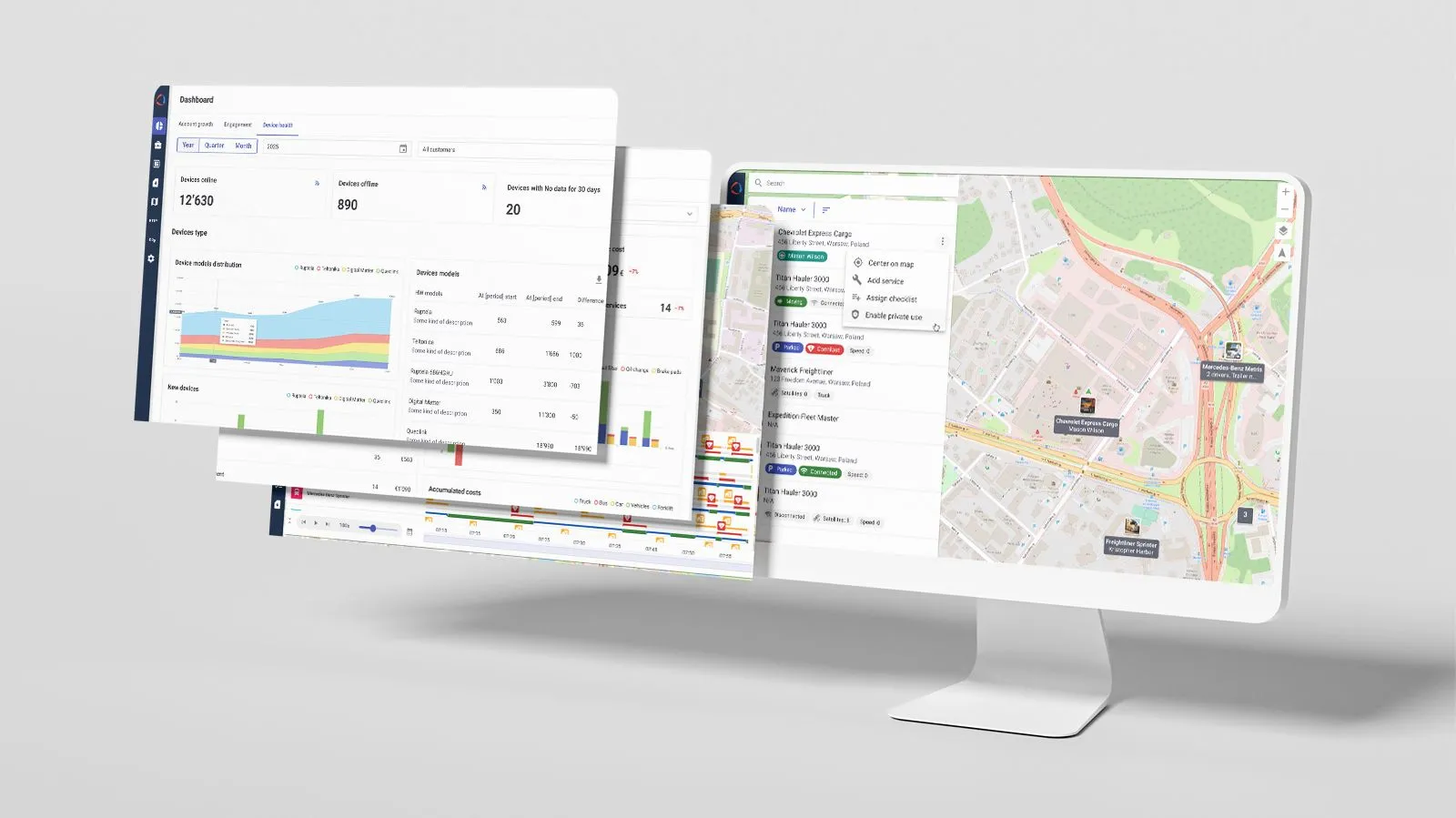
Wialon Platform is our newest product — and it’s evolving rapidly. It’s being shaped by real-world partner feedback and current trends in fleet digitalization.
This article highlights the most impactful updates from the first few months of 2026. For the full list of recent changes — and a preview of what’s coming next — visit the “What’s new” section in the Wialon help center.
But first — a quick refresher on what Wialon Platform is
Feel free to skip this part if you’re already familiar with the new solution.
Wialon Platform is a solution builder created to give service providers full business control and a powerful foundation for true product ownership. In practice, that means Wialon partners can design, brand, and launch their own fleet management applications from a ready-made foundation.
Want to go deeper? Explore how you can kickstart your fleet management solution with Wialon Platform in just 15 minutes.
The software is free for all Wialon partners to use and test until September 2026.
Check out this short video covering the most important updates.
Private use: Smarter automation, driver-side control
When a company allows personal use of its vehicles, mixing business and private data creates a serious legal risk. In the EU, GDPR strictly forbids tracking employees outside of working hours. Yet, fleet managers still need absolute visibility during the workday. Trying to manage this boundary manually is an administrative nightmare, invites human error, and undermine driver trust.
In Wialon Platform, the Private use feature allows for disabling vehicle tracking during personal trips. The recent updates are focused on 2 ideas: automate what can be automated and give drivers control where it matters.
Smarter automation, less manual work
Private mode can now be activated and managed automatically, using a new automation type and action templates that enable or disable the mode based on specific conditions or schedules. This change reduces manual work, makes it easier to follow company policies, and helps protect drivers’ privacy.
A few examples of what this looks like in practice:
-
After-hours coverage. Private mode activates automatically at the end of the working day — say, every weekday at 6 PM — and switches back in the morning. No driver action needed, no dispatcher involvement.
-
Location-based switching. When a vehicle leaves a defined work area, private mode turns on. Then, private mode can end after a set time limit.
-
Emergency override. If a critical alarm fires — a theft alert, for instance — private mode can be configured to disable automatically so the vehicle can be tracked and recovered. Compliance doesn't have to mean losing visibility when it matters most.
As a result, teams can build automation rules that match how their fleets actually work — instead of relying on manual actions.
Drivers stay in control
Previously, drivers mostly had to rely on dispatchers to manage private mode, unless the vehicle had a device with a manual switch, for example. Now, they can handle everything directly from their phone with the Wialon Driver app.
Drivers can:
-
See whether private mode is active and how much time is left
-
Enable or disable it for personal trips if permitted
-
Extend the duration if plans change
Private mode control in the Wialon Driver app
This balance — automation on one side, driver control on the other — helps reduce friction in day-to-day operations while respecting privacy boundaries.
You can already explore the first article in the series, dedicated to checklists — a powerful tool for creating digital forms for vehicle inspections, safety audits, and compliance checks.
Checklists in Wialon Platform: Read now
Here’s a teaser: checklists help fleet owners handle insurance claims, meet regulatory requirements, and close the gap between internal policies and real operations.
Sensor value automation: Simple setup for common scenarios
Private mode automation is just one example of how Wialon Platform automation capabilities are evolving.
We’ve also introduced a dedicated Sensor value automation type — making sensor-based automation significantly easier to set up.
In simple terms, service providers can now use sensor readings directly — temperature, ignition, and others — as triggers for automated actions. They define a condition (such as temperature above 5°C or ignition on) and refine it as needed — for example, filtering out brief spikes or limiting triggers to specific locations or times. The trigger can then be linked to any relevant action.
These intuitive settings cover a wide range of common fleet scenarios, for example:
-
Temperature exceeds the limit in a refrigerated vehicle → dispatcher is notified immediately
-
Ignition turns on outside working hours → a task is created for review
-
Seatbelt is unfastened while the vehicle is moving → violation is logged automatically
-
Engine hours threshold is reached → maintenance task is created
For more complex logic, expressions are still there — and now easier to work with too, thanks to improved editor hints and autocomplete.
Editor hints when working with logical expressions in Wialon Platform Studio
Workspaces: Faster to build, now with a preview
Workspaces are customizable layouts that define what each client sees and can do in Wialon Platform. Service providers build them from widgets — interface components that display fleet data and enable actions.
We brought a focused set of improvements to make building and validating workspaces faster and more intuitive, reducing friction at every step.
The editor mode has been significantly improved — from quicker access via the left menu to drag-and-drop widget rearrangement.
Change the order of the added widgets by dragging and dropping them
Once a workspace is built, it’s now easier to review it from the client’s perspective. We added the ability to preview a workspace as a specific customer directly in the editor mode. Service providers can see how permissions are applied and how they affect the workspace’s appearance and functionality — before actually making changes. In practice, this improvement helps ensure each client sees exactly what they need — nothing more, nothing less.
Driver behavior analysis: Easier to scale and manage
Driver behavior analysis helps fleet managers evaluate how safely and efficiently their drivers operate — tracking events such as harsh braking, speeding, or sharp cornering and turning them into scores that can guide coaching and incentives.
Since similar fleets often use the same criteria to evaluate driver performance, we introduced driver behavior templates. For partners working with similar vehicle types or operational profiles, this removes a significant amount of repetitive setup work and makes it much easier to maintain consistency across fleets.
Wialon partners can now:
- Create a driver behavior template from scratch or copy driver behavior criteria directly from an existing customer to templates
- Reuse and apply them when creating new customers
- Update multiple customers by syncing them with a template
Dashboards: More flexible analysis and faster insights
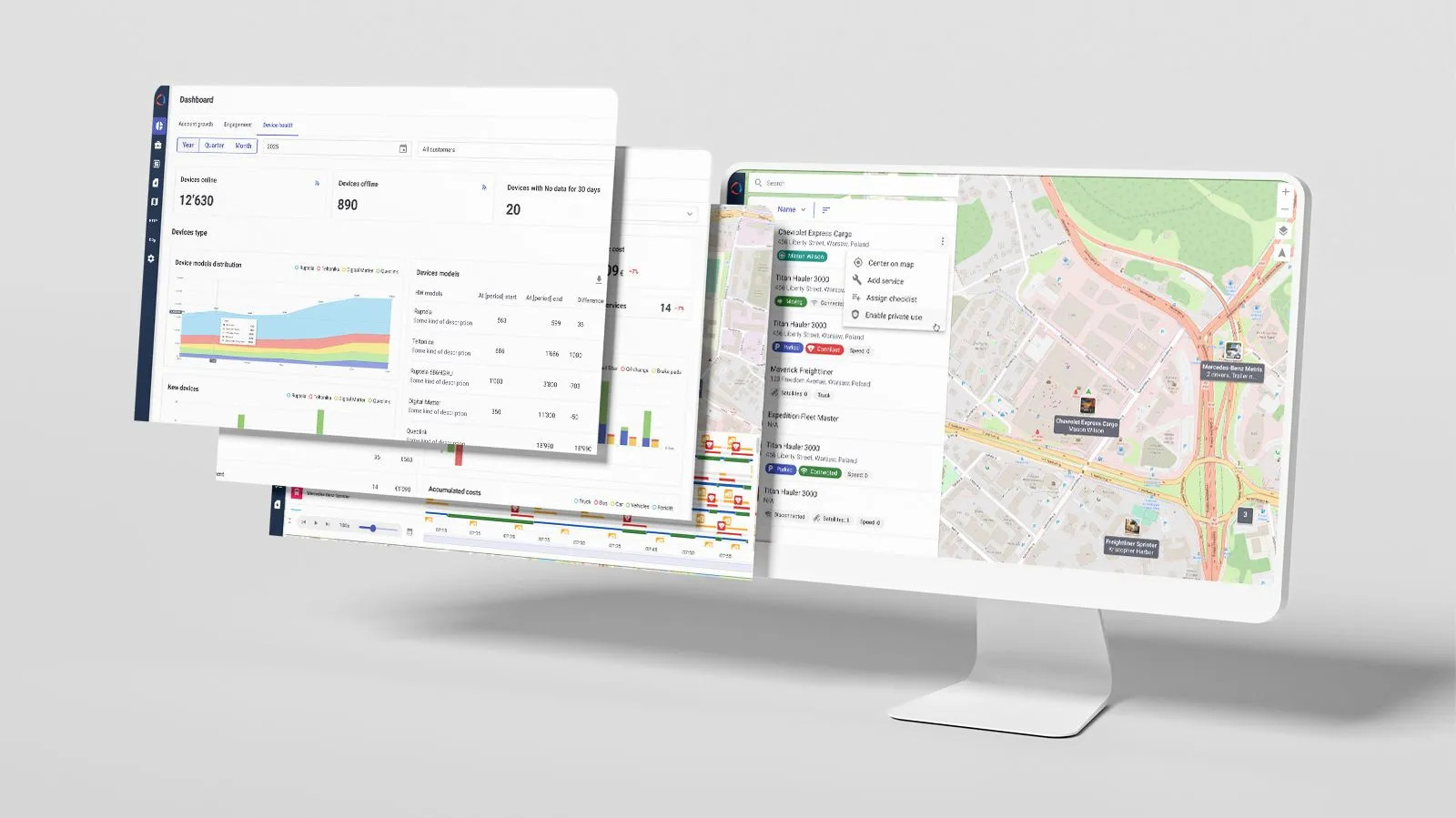
We expanded dashboard capabilities in Wialon Platform FleetSpace to make analytics more flexible and easier to explore.
Users can now select custom analysis periods — from a single day to a full year — in addition to predefined ranges such as months, quarters, and years. Depending on the selected interval, dashboard widgets automatically adjust data aggregation by day, week, or month.
Dashboard filtering was also enhanced. Widgets can now display data for vehicles without assigned vehicle types and support filtering by individual vehicles, in addition to category-based filtering.
Another improvement is the introduction of drill-down analytics flows. Dashboard widgets can now open intermediate detailed views and, where applicable, provide navigation to related reports. As a result, users can move from high-level monitoring to detailed operational analysis directly from the dashboard interface.
Drill-down analytics in dashboards
Smoother customization for your solution branding
White-labeling is one of Wialon Platform's core pillars — giving service providers full control to design and launch fleet digitalization solutions under their own identity. The site customization page is where the brand is applied to the client’s product: logos, color themes, and login page backgrounds.
In Q1, we completely redesigned this page. From logos to video uploads, all key elements are now easier to manage, with a live preview that lets service providers check how everything looks together before going live.
What’s more, the login page background now supports MP4 video, alongside images and GIFs — opening up more possibilities for creative, visually rich branding.
Applying branding to the login page
Localization: New languages added
Wialon Platform continues to become more accessible for teams working across different regions, ensuring both dispatchers and drivers can work in a familiar language from day one.
Studio and FleetSpace now support 7 additional languages: Flemish, Finnish, Italian, Portuguese (Brazil and Portugal), Ukrainian, and Uzbek. The Wialon Driver app is now available in 8 languages in total — English, French, Portuguese (Brazil and Portugal), Russian, Spanish, Ukrainian, and Uzbek.
Other improvements across Wialon Platform
We’re continuously rolling out smaller, useful improvements across the platform. They’re unlikely to change how you think about fleet management — but you'll notice them in everyday work.
Studio
- Fuel volume sensor configuration
Users can now set up fuel volume sensors in the system — enabling accurate fuel level monitoring, which helps track consumption, spot theft or leaks, and support emissions calculations. For vehicles with multiple tanks, the Multiple option in the sensor template allows tracking each tank separately.
- Enhanced device profile
Once a device is created in the system, its key details and settings are configured in its profile.
Now, we have expanded device profiles to include additional fields: service providers can define properties such as VIN, fuel characteristics, or emission standards directly in the profile. This brings more structure to device setup and makes data easier to manage, reuse, and standardize across projects.
The VIN field can now also be automatically populated from incoming telemetry data. In cases where the detected VIN doesn’t match the value entered manually, the platform displays a mismatch indicator, helping service providers quickly identify and verify inconsistencies. Based on the VIN, Wialon can also determine the vehicle make and model.
- Improved table columns management
The Customers and Devices pages in Studio now let service providers customize how data is displayed — showing only the columns that matter for the task at hand, in the order that makes sense. Columns can be reordered, hidden, or restored, and everything can be reset to default in one click.
Adjusting table views by reordering and toggling columns
FleetSpace
- Recent trips widget for quick access
The new Recent trips widget provides quick access to trip data for today and yesterday directly from device and driver pages — no need to run a separate report or navigate elsewhere to see what a vehicle or driver has been up to.
Wialon partners can explore all these updates — and everything Wialon Platform has to offer — for free until September 2026. To get started, contact your Partner Success Manager, or reach out to sales@wialon.com if you’re not a partner yet.
If you have feedback or ideas along the way, just email product@wialon.com. It goes directly to the team and genuinely helps shape what we build next.
Curious about what’s new in Wialon Hosting? Read the full article for a closer look at the latest features and improvements — and follow us on LinkedIn, Facebook, and Instagram so you never miss an update.


.jpg)
.png)