 Jan 27, 2026
 12 min read
Before we get too deep into 2026, let’s look back at the improvements from Q4 2025 across Wialon Hosting and Wialon Platform — two products that are regularly updated based on partner feedback and real-world fleet projects.
Rather watch than read? We’ve prepared a two-minute summary of the biggest updates. It’s a great way to catch the high notes before diving into the text for more details.
Ready to see what’s new?
- Dive into the most impactful Q4 2025 updates for Wialon Hosting
- Explore the latest enhancements for Wialon Platform
Wialon Hosting updates
✽ Video workflow improvements: More control over saved fragments
Video saving is now more flexible when working with events. Instead of a fixed split of footage before and after an event, users can adjust how the 60-second limit is distributed — both when saving video from the Playback tab and when using the Save video as file notification action.
This makes it easier to capture the most relevant moment, whether the focus is on what happens immediately after an event or on the lead-up to it, without collecting unnecessary footage.
✽ Extended time ranges for device health checks
Device health checks in Wialon Hosting have become more customizable following feedback from our partners. Users can now set how long a device must meet specific criteria before an incident is registered — from 1 minute up to 30 days.
The change allows health monitoring to better match real operational schedules, including long weekends or planned downtime. In practice, this means fewer unnecessary alerts and more predictable device monitoring.
The minimum value you can set is 1 minute, and the maximum is 29 days 23 hours 59 minutes.
✽ Clearer reporting for fuel and battery events
Reports in Wialon Hosting now provide deeper insight into fuel and battery-related events.
The Fuel fillings and battery charges table and the Fuel drains table now display start and end times for every event, making it easy to pinpoint exactly when an event occurred.
Аn Incomplete interval option is now available for both tables. It allows users to decide whether to display events that do not end within the selected reporting period. This flexibility helps teams interpret report data more accurately and consistently.
Improved management of unit activation codes
For temporary projects — such as seasonal agricultural work or fixed-term leasing — activation codes offer a convenient way to automate billing. Instead of manual deletions, units simply deactivate once their paid period ends.
We’ve made working with activation codes much more intuitive. The feature has moved to the dedicated tab in CMS Manager. This gives telematics service providers a more organized workspace to manage codes at scale.
To help partners stay ahead of deactivations, we’ve added an Active until label directly to the unit tooltip, extended info, and minimap on the Monitoring tab.
To reduce errors when entering codes into third-party systems, new codes are now generated in lowercase only. It’s a small change that makes integrations smoother.
Messages with filtered data now visually highlighted
As message filtering capabilities continue to expand, Wialon Hosting now makes it easier to spot affected messages. Messages that contain filtered GNSS parameters — such as latitude, longitude, altitude, speed, or satellite count — are visually highlighted in grey in the table.
This visual cue brings more clarity to message validation. The result is faster analysis and more efficient troubleshooting.
Simplified custom email setup with SMTP verification
In Wialon Hosting, the Custom sender option allows telematics service providers to configure the system so notifications and reports are sent from their own email address, ensuring a consistent brand experience for their clients.
To make this setup easier, SMTP settings can now be verified directly in the CMS Manager. A new “Verify” button instantly tests the connection and confirms if everything is working as it should. If there’s an issue, the system provides a clear explanation of what went wrong so it can be fixed immediately.
A new “Verify” button instantly tests the connection
Flexible data integration with flespi
Wialon integration with flespi, a high-performance cloud-based backend, continues to provide specialized solutions for complex technical setups.
Direct OEM data streaming
Many modern vehicles now come with built-in telematics directly from the manufacturer. Using the integration with flespi, Original Equipment Manufacturer (OEM) data from platforms such as Fleetboard (Daimler), Scania FMS, GM OnStar, and Invers CloudBoxx can be streamed into Wialon Hosting.
flespi acts as a data gateway, normalizing OEM telemetry before sending it to Wialon. This enables users to fully manage OEM vehicles within Wialon Hosting without purchasing and installing aftermarket hardware, and makes it easier to work with OEM and non-OEM devices within the same system.
Merging data from multiple devices
In certain fleet digitalization scenarios, a combination of hardware is required. For example, a wired GPS tracker can be paired with hidden, battery-powered devices for stolen vehicle recovery. Similarly, a video telematics device can be integrated with a tracker featuring RS485 or RS232 interfaces to support third-party sensors for fuel or temperature monitoring. Through flespi, it is possible to merge data from multiple devices into a single unit in Wialon Hosting.
✽ Mobile app: Track playback directly from unit history
The Wialon mobile app now lets users play tracks directly from the History tab. When reviewing unit history, tapping a day summary or a specific trip opens the Tracks view with the selected vehicle and time interval already applied.
Tap a day summary or a trip row to instantly display a track on the map. Then tap "Play" to watch the journey
Wialon Platform updates
But first, what Wialon Platform is — and why we built it.
Wialon Platform is the newest product in the Wialon suite. It allows service providers to create, customize, and launch fleet management solutions under their own brand — without development overhead — and to tailor their offerings to customer needs.
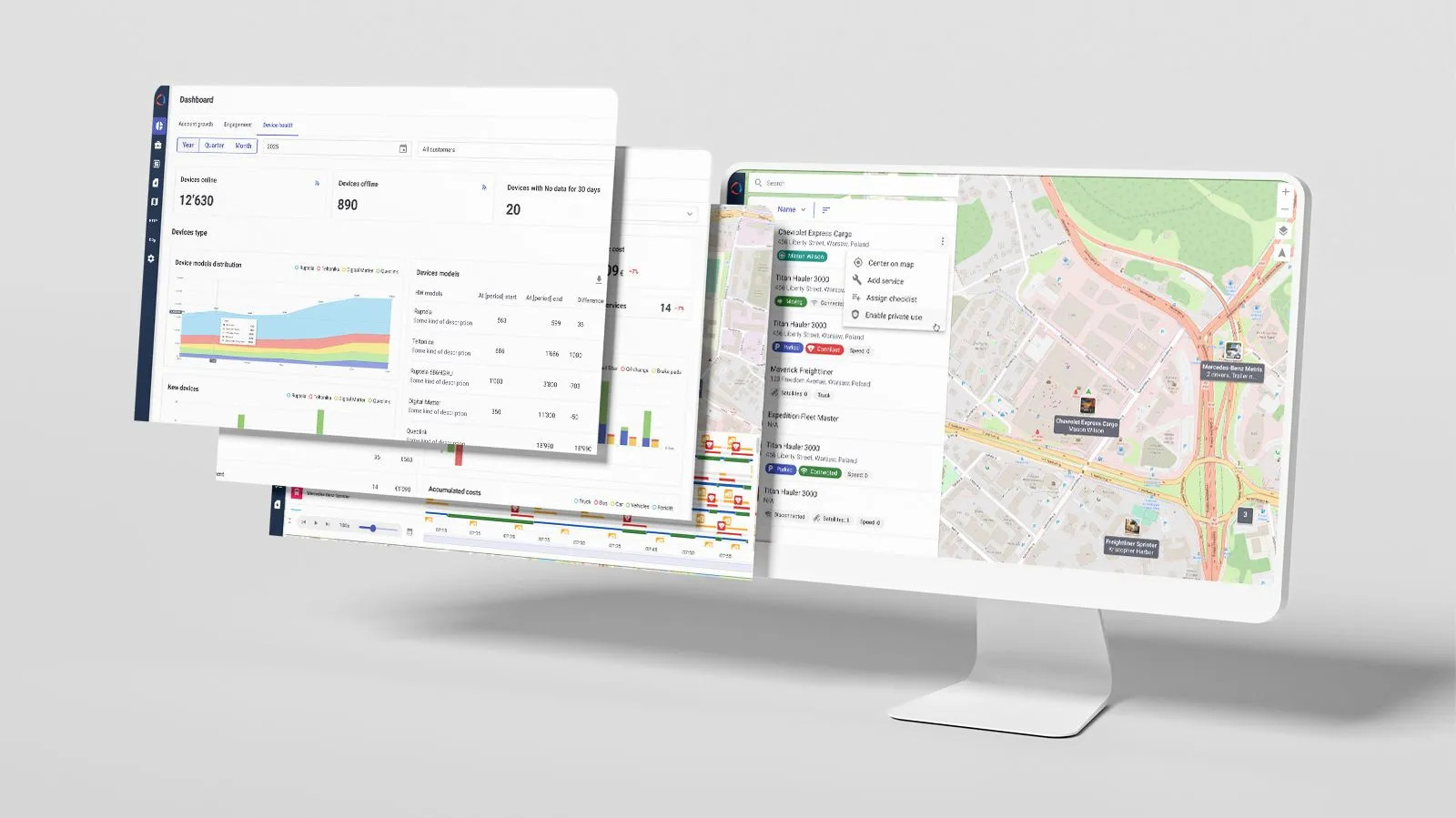
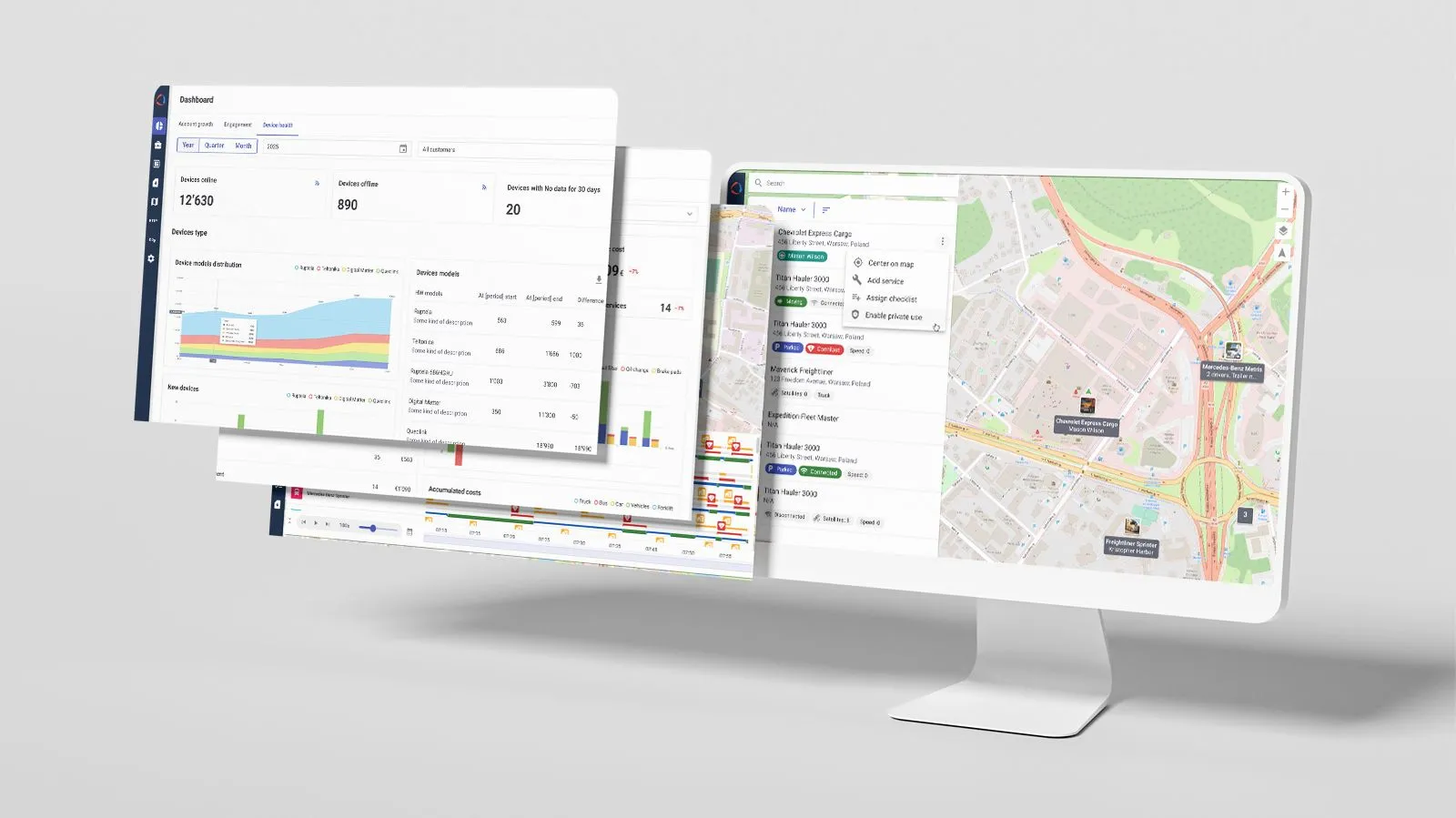
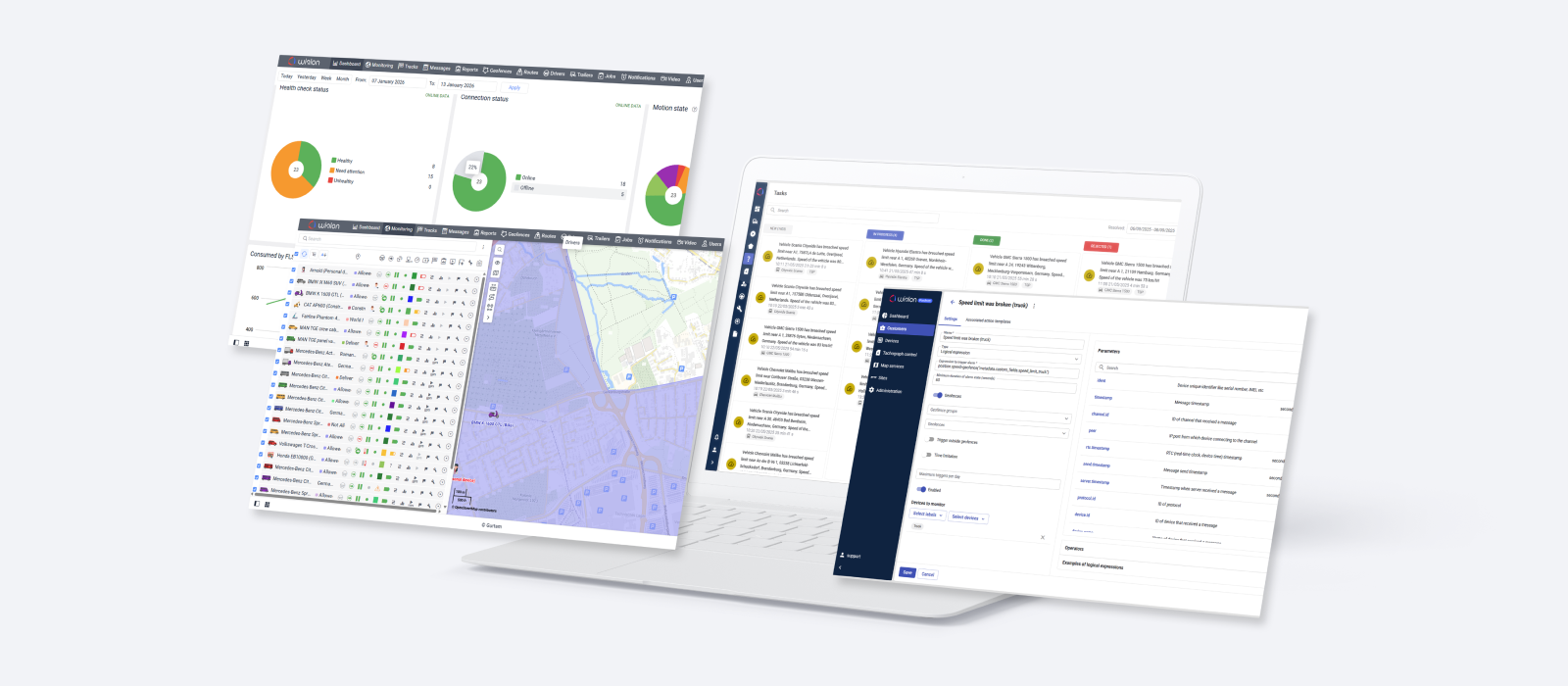
The platform is structured as 3 connected spaces that cover the full lifecycle of fleet management.
Together, these spaces make it possible to build end-to-end fleet digitalization solutions that are fast to launch and ready to scale.
__CTA_BANNER_WI1__
- If you’re a Wialon partner, contact your Partner Success Manager to start exploring Wialon Platform.
- Not a partner yet? Email sales@wialon.com, and we’ll discuss the best way to get started.
Now, back to updates.
✽ Billing management
To help our partners streamline service offerings for their clients, we have introduced pre-configured billing plans. Instead of enabling individual modules one by one, partners can now select from 4 structured plans — Compliance, Track & Trace, Standard, or Advanced — to quickly match a customer’s needs.
At the same time, flexibility is preserved: within an assigned billing plan, providers can still enable or disable individual features to fine-tune their own service packages.
✽ Quick customer setup and scaling with templates and presets
Telemetry presets and sensor templates for device configuration
Device configuration is now simpler, especially for identical models or devices used in the same project, thanks to telemetry presets and bulk operations. Partners can configure a device in Wialon Platform Studio once and apply that template to other devices, either manually or by setting a default preset for a specific model. This ensures every connected device of that model receives the necessary settings automatically, minimizing errors and standardizing data across the fleet.
Checklists in customer templates
Customer templates in Wialon Platform Studio help service providers set up and scale customer accounts faster by reusing proven configurations. These templates now include checklists — step-by-step inspections used to verify vehicle conditions. Once created, checklists can be imported into a template and reused across multiple accounts, reducing setup time and ensuring consistent processes at scale.
✽ Driver behavior insights across the fleet
Driver behavior analysis can now be centered on drivers, not just vehicles, reflecting how fleets operate in real life.
Driver scores are available across Wialon Platform FleetSpace pages and the dashboard, even when drivers use different vehicles. Fleet managers can review top drivers and see how specific vehicles and driving behaviors contribute to a driver’s overall score. This makes it easier to spot recurring risk patterns and focus coaching efforts.
To support reliable configuration, Wialon Platform Studio includes a sandbox for driver behavior criteria, allowing partners to validate scoring logic before applying it across customer fleets.
✽ A more powerful and intuitive Task desk
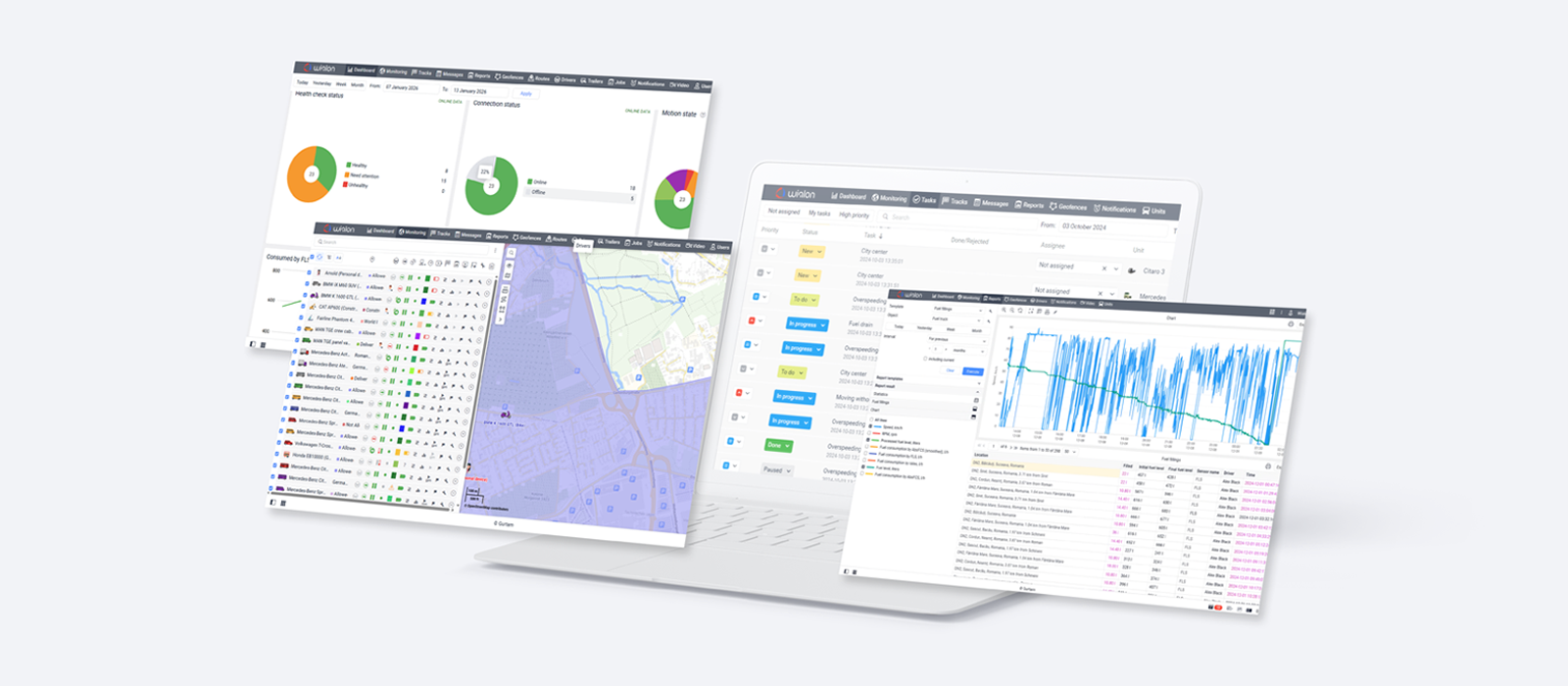
The Task desk in Wialon Platform FleetSpace serves as a centralized hub where customer users manage tasks — automation-triggered critical events, such as SOS signals, unauthorized geofence exits, or urgent maintenance alerts. By bringing these incidents together in one place, the platform ensures that no critical event goes unnoticed for dispatchers and that every task is tracked through to resolution.
With the Q4 updates, the Task desk received a substantial set of improvements, covering both interface and workflow. Key enhancements deliver:
- Clear ownership and accountability: Tasks can now be assigned to specific users, with the assignee shown directly in the task view.
- Richer operational context at a glance: The Task desk interface has been significantly expanded to show task icons, start and end time (or Ongoing status), duration, and chips for the associated device, driver, and assignee. Task names now match the automations that created them, making the origin and purpose of each task immediately clear.
- Improved focus and navigation: Tasks can be sorted by the time of creation, with the selected sorting order preserved for the session. New filters allow users to quickly narrow tasks by driver, assignee, task name, or unassigned status — making it easier to work efficiently even with large task volumes.
Tasks can now be assigned to specific users, with the assignee shown directly in the task view
✽ Improved label control
Labels in Wialon Platform are used to group and mark vehicles based on their attributes and current operational state. They can serve as visual indicators, filters, or conditions in automations — helping teams quickly understand fleet status and apply logic consistently across workflows.
The new Labels (chip) and Set label action widgets enable telematics service providers to display selected labels directly on vehicle or driver cards in Wialon Platform FleetSpace, making those chips editable or non-editable, as per client workflow details. Users can be permitted to manually update specific labels from the context menu — for example, switching a vehicle status from Summer tires to Winter tires by selecting an option from a dropdown.
Together, these updates provide greater flexibility in workspace configuration, ensuring every workspace feels tailor-made for a particular client, with only relevant labels.
The Labels chip displays the selected assigned labels or label groups.
✽ Flexible dashboard for better analytics
The Dashboard in Wialon Platform FleetSpace has become more customizable. All dashboard widget titles are now editable, allowing service providers to improve clarity for users.
Dashboard-level filtering is now supported across more widgets, including checklists, driver behavior, and fleet intelligence widgets. This means users can apply a single filter to the entire dashboard and instantly see how key metrics change for a selected time period or vehicle group.
We’ve also introduced the Service costs by vehicle widget for the maintenance module, allowing users to identify high-maintenance vehicles at a glance.
All dashboard widget titles are now editable
The private use status activation via sensors
The private use feature is designed to protect privacy when vehicle location data should not be tracked. When the mode is enabled, GPS-dependent data such as coordinates, speed, course, and satellite information is no longer recorded in the system.
With the Q4 update, the private use status can be controlled not only manually using widgets, but also automatically through real-time device data. By configuring a private use sensor in Wialon Platform Studio, service providers can set the system to respond to a specific parameter reported by the hardware — for example, when a physical switch or button in the vehicle is activated.
Localization for a smoother workflow
Wialon Platform Studio and FleetSpace are now available in Spanish, French, Portuguese, Uzbek, and Ukrainian, in addition to English. It’s not just about the translation — the system automatically adapts date, time, and number formats to match specific regional conventions. These updates will be coming to more languages and the Wialon Driver app soon.
New API playground page
Wialon Platform Studio now includes a dedicated API playground page, giving service providers a single place to explore and test both Studio and FleetSpace APIs.
The playground covers provider-level APIs, such as for configuration, infrastructure, and billing, as well as customer-specific APIs for operational modules. This makes it easier to design and validate integrations faster — without external tools or complex setup.
The API playground allows providers to perform Studio and FleetSpace operations through API methods
That’s a wrap for Q4 2025
We hope these updates help you work in Wialon with more confidence, clarity, and control.
If you have questions or ideas, we’d love to hear from you at product@wialon.com. Your feedback is carefully reviewed and helps shape future improvements.
We look forward to sharing what’s next! Subscribe to the Wialon blog to stay updated on the latest features and releases.


.jpg)
.png)
.png)
.png)
.png)